 NFC42
NFC42NFC tags for iPhone
Tap a tag. Know what’s happening on site.
NFC42 reads, writes and protects NFC tags, and turns them into a simple field-work system for small teams: inventory, tool loans, patrols and staff check-ins, all on one shared record.
Coming soon to the App StoreNFC42 is in App Store review and will be available soon.
Requires an iPhone with NFC running iOS 26.1 or later.
What is NFC42?
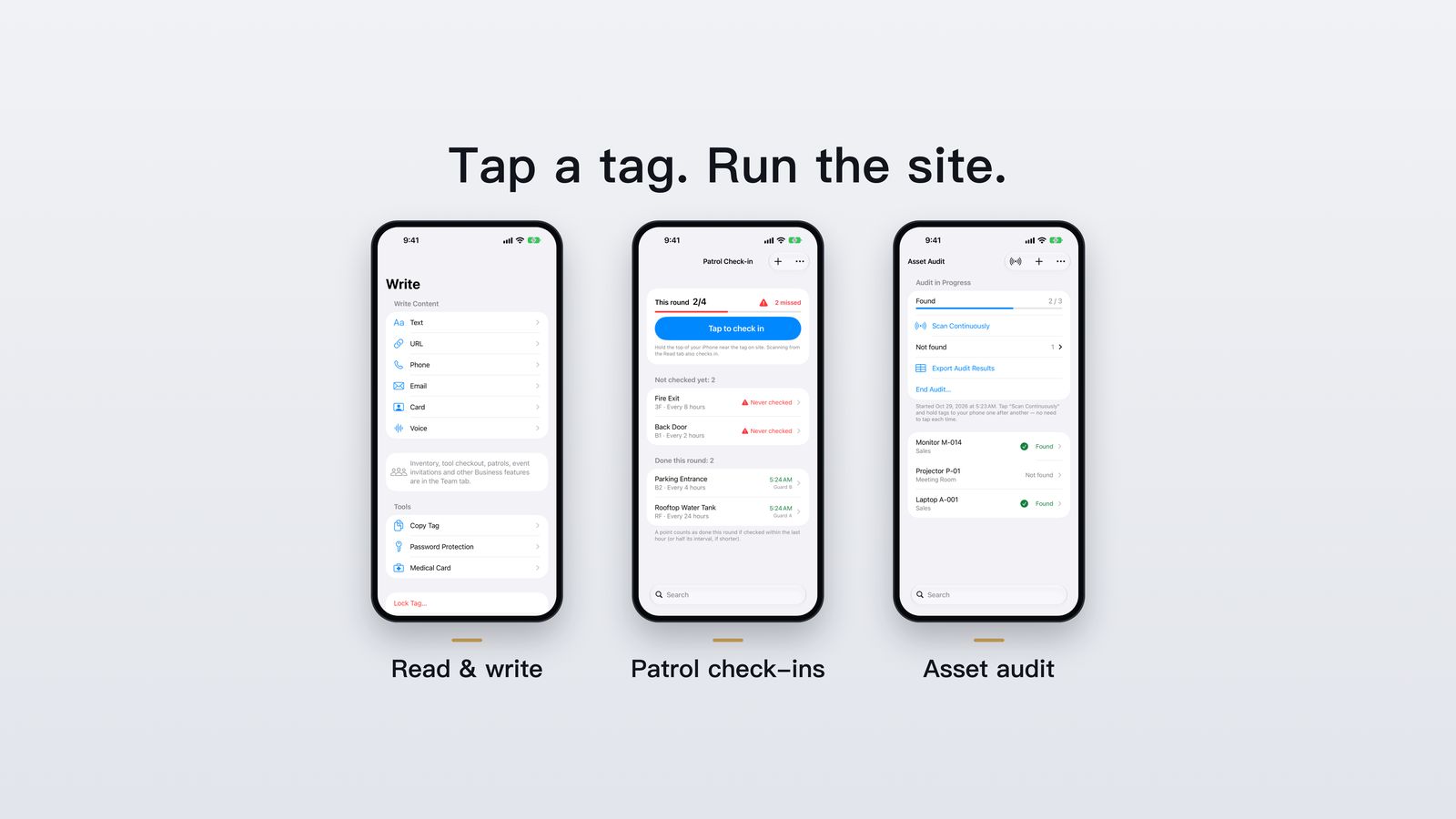
NFC42 is an iPhone app by Okle42 for reading, writing and locking NFC tags. For individuals it is a free NFC reader and writer with no account required. For companies, the Business plan uses inexpensive NFC tags to run inventory, tool checkout, patrol and cleaning check-ins, asset audits and staff attendance, with every team member sharing the same live record.
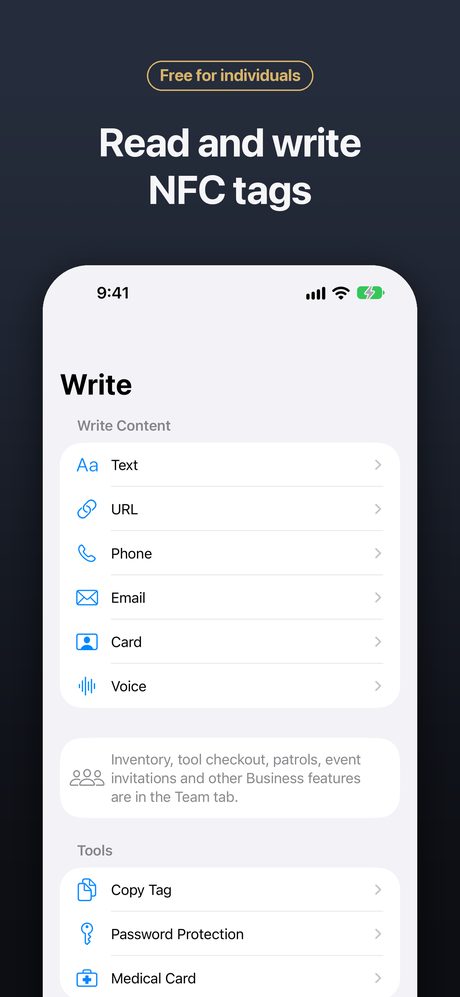
Free for everyone: read, write and lock NFC tags
No account, no sign-up. Your tag history stays on your phone.
Read any NFC Forum tag
See the tag type, chip model, memory and every record on it.
Write links, text and contacts
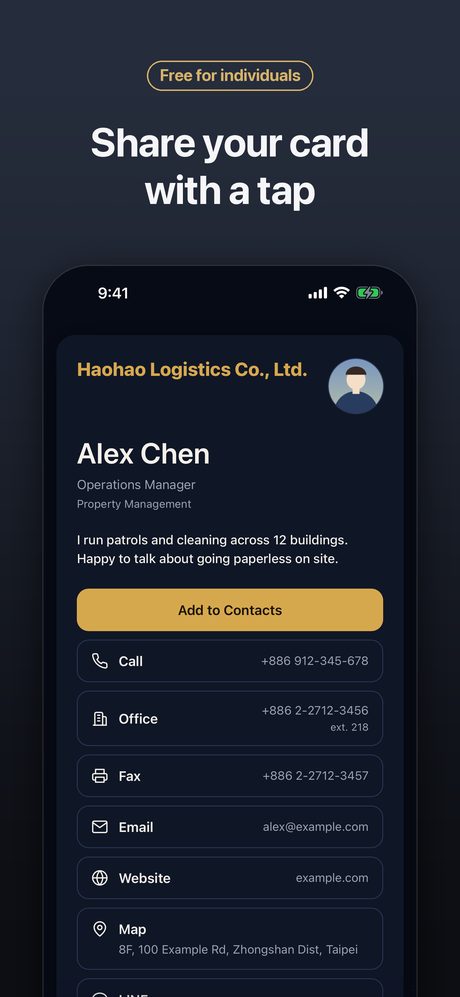
Write URLs, text, phone numbers, email and digital business cards. Save templates for tags you write often.
Clone and lock
Copy a tag’s content to a new tag, lock tags permanently, or protect NTAG213/215/216 with a write password.
Everyday tools
A medical card anyone can read with their phone, tap-to-play music, and Shortcuts & Siri: “Read a tag with NFC42”.
Business plan: your field team on one record
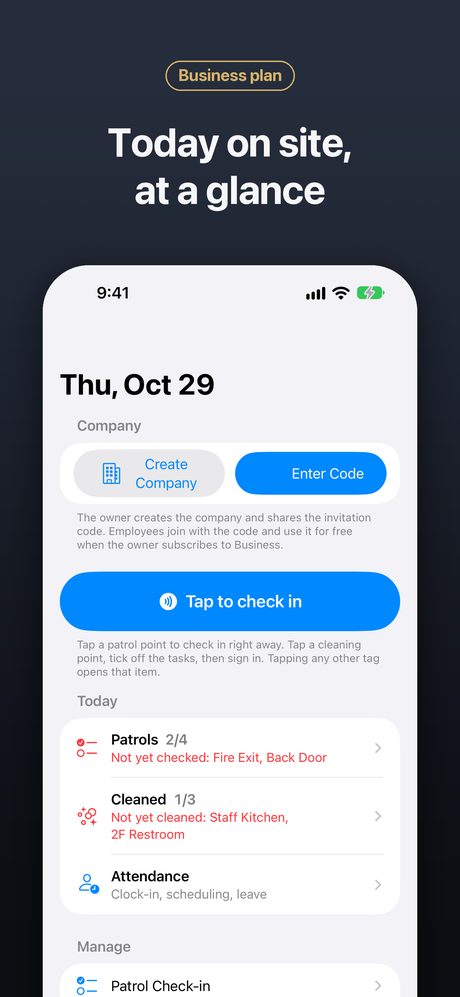
Stick a tag on a shelf, a tool, a door or a machine. Staff tap it with their iPhone, and everyone sees the result right away.
Inventory
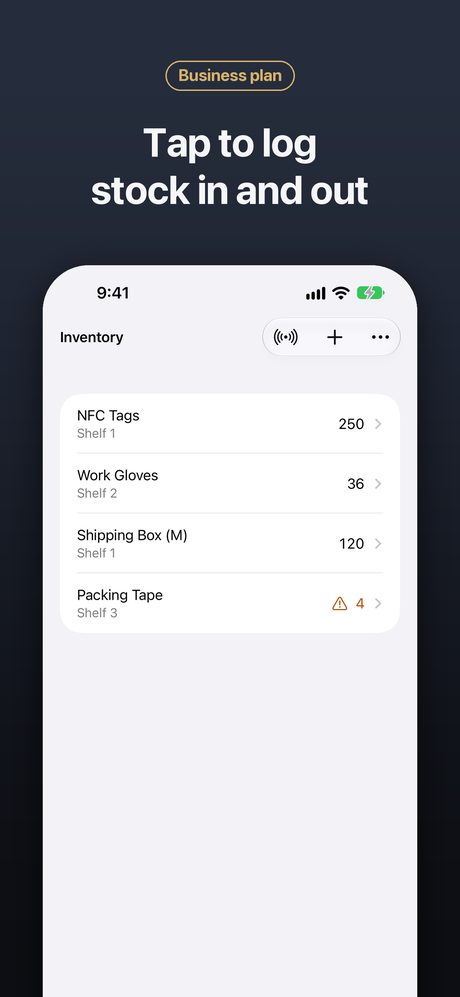
Stock in and out with a tap, low-stock alerts and a full history.
Tool checkout
Who borrowed what, and when it came back.
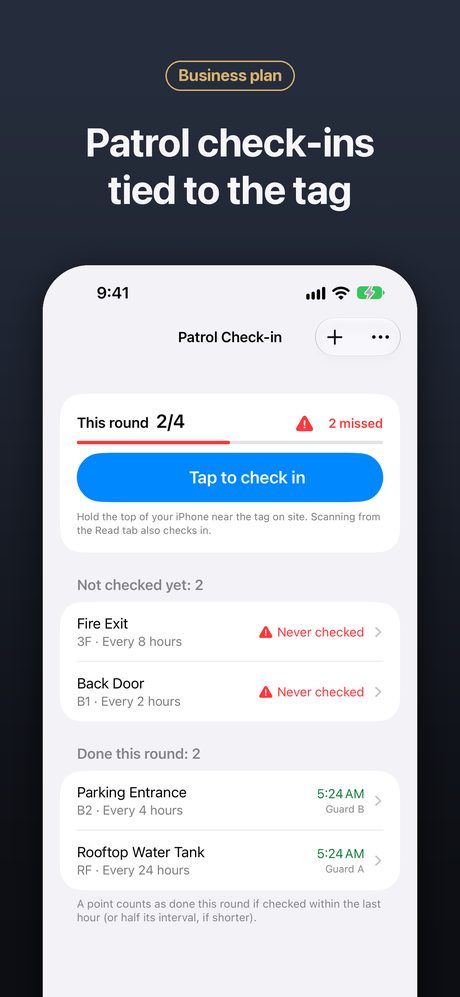
Patrol check-ins
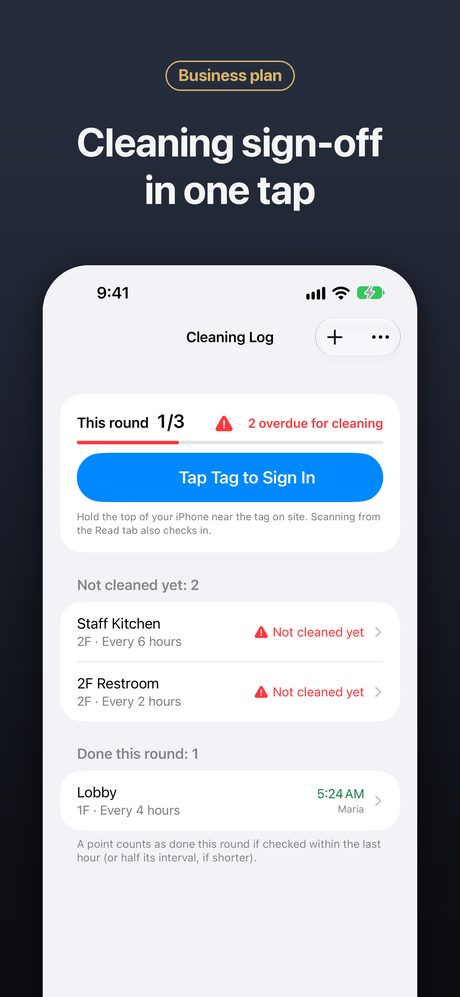
Tap the tag on site. Overdue spots are flagged, and check-ins are bound to the original tag and the server’s clock.
Cleaning & maintenance
Cleaning sign-off and equipment maintenance reminders.
Asset audit
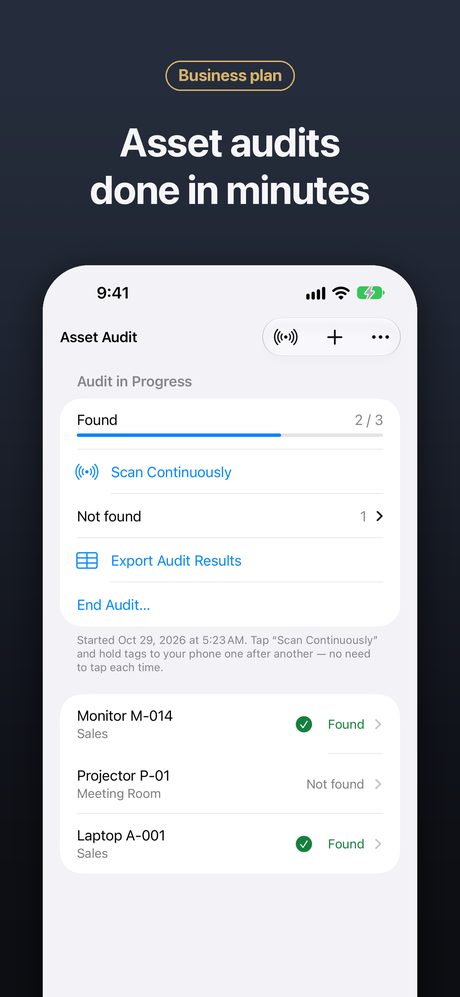
Tap through a room and export what’s missing.
Staff attendance
Clock in with a staff badge, shift scheduling, leave and shift-swap requests.
See it in action
Who uses NFC42
Building & property management
Patrol routes, cleaning sign-off and equipment maintenance across one or many buildings.
Warehouses & shops
Tap-to-log stock in and out, low-stock alerts and CSV reports.
Workshops & sites
Track who has which tool and run periodic asset audits.
Hotels & guest houses
One card per room shows Wi-Fi, check-out time and front-desk contacts.
Events & weddings
Put the RSVP page on invitations, tickets or table cards; after the event the same card shows a recap page.
Everyone
Business cards, medical cards, tap-to-play music and labels for things at home.
Plans
7-day free trial
For the first 7 days after you install, every feature, including Business, is unlocked with no ads. No subscription needed.
Free
After the trial, keep using the free features with ads, or remove ads with a one-time purchase.
Business
Monthly or yearly subscription priced by team size, up to 100 people. The owner pays; staff join free with the invitation code.
API & MCP
Optional add-on subscription per company, for connecting your own systems and AI assistants.
Privacy by default
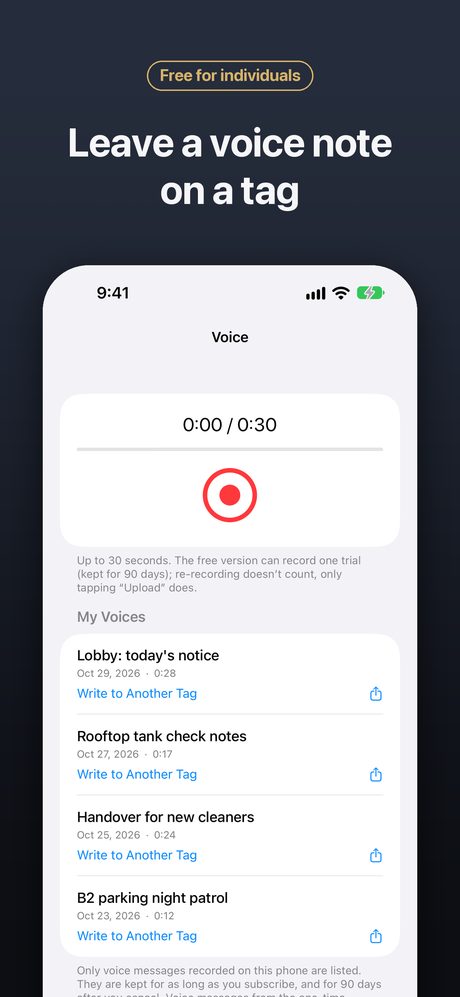
No account required. Tag history stays on your phone. Only company data you create or join, and content you choose to share or send (such as business card pages, messages, event and voice pages), is stored on our servers.
Frequently asked questions
What is NFC42?
NFC42 is an iPhone app that reads, writes and locks NFC tags. It also has a Business plan that turns NFC tags into inventory, tool checkout, patrol check-ins, cleaning sign-off, asset audits and staff attendance for small teams.
Is NFC42 free?
Yes. Reading, writing, cloning and locking tags are free. For the first 7 days after you install, every feature including Business is unlocked with no ads. After that, free features show ads, which you can remove with a one-time purchase. The Business plan is a subscription.
Do I need an account?
No. You can read and write tags without signing up. Your tag history stays on your phone.
Which iPhones and tags are supported?
Any iPhone with NFC running iOS 26.1 or later. NFC42 supports NTAG21x (NTAG213, 215, 216), MIFARE Ultralight and other NFC Forum tags. Bank, transit and building access cards are protected by their issuers and cannot be read or written.
Is there an Android version?
NFC42 is currently available for iPhone only.
How does Business pricing work?
The company owner subscribes monthly or yearly for the team size (1, 5, 10, 25, 50 or 100 people) and shares an invitation code. Staff join free with the code and use Business features on their own iPhones.